top of page

Updated: Jul 22, 2018

- Added support for Phantom 4 Pro V2.0 - Fixed: Mavic Air pilots may noticed if download files from drone when Sync for DJI is minimized after return to the app - only internal files were shown. Not it’s fixed. Thank you for reporting; - Fixed: after downloading files one by one - old files were appear on the top of list; - Updated DJI Mobile SDK to v4.6.1; - Other minor improvements.

Updated: Jul 22, 2018

- Check out our new Getting Started tutorial with essential information. You can always find it on menu > Support > Tutorial; - [New PRO Feature] Make the photo or video personal with Custom Watermark. Use any image on the phone here: menu > Settings > Share Settings. More exciting new features are coming soon; - The improved process of reconnecting to your DJI device. Yes, we also added manual Scan Again button in case Intelligent Auto reconnecting does not work well; - Now the process of converting video and photos shows it's progress. Just a magic; - Various UI tweaks and text improvements; - Fixed detected crashes; - Fixed problems with deep links leading to Tutorial and other application parts;

As you maybe already know, Apple yesterday held keynote event WWDC 2018 in San Jose, California.


Four OS updates. One big day.


Apple CEO Tim Cook and his senior staff made this a software-focused keynote, with iOS 12, macOS 10.14, watchOS 5 and tvOS 12 announcements. There was no new hardware shown, even though last year's conference gave us a first look at the HomePod, as well as the iPad Pro 12.9 and iPad Pro 10.5.

iOS 12: More power to you.

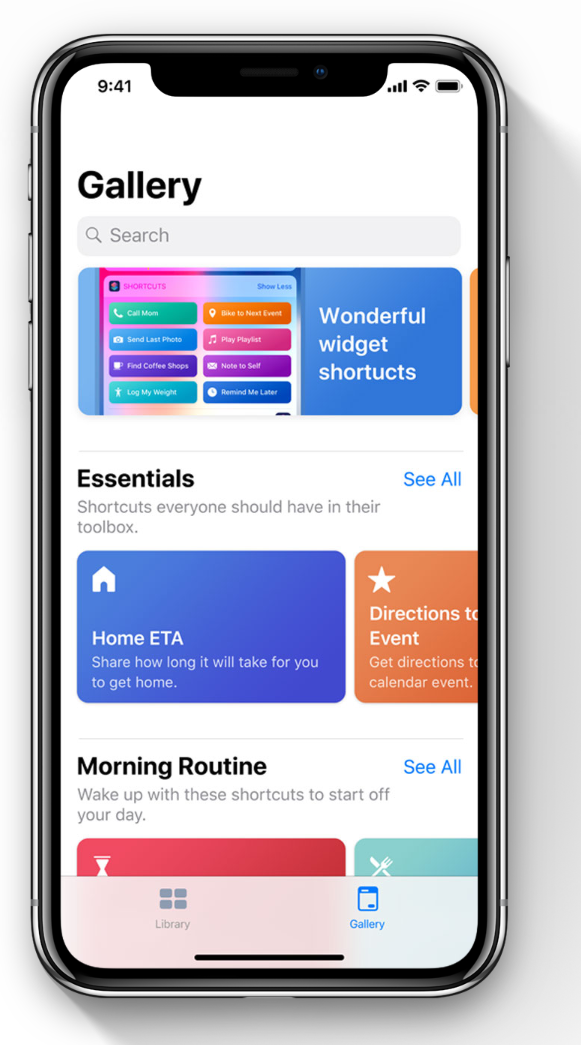
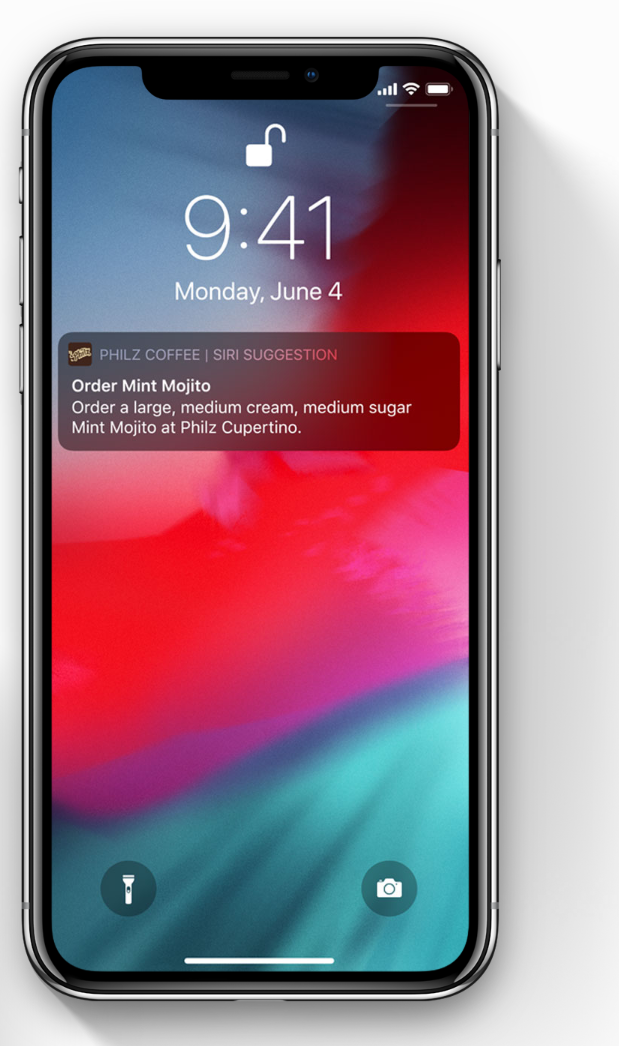
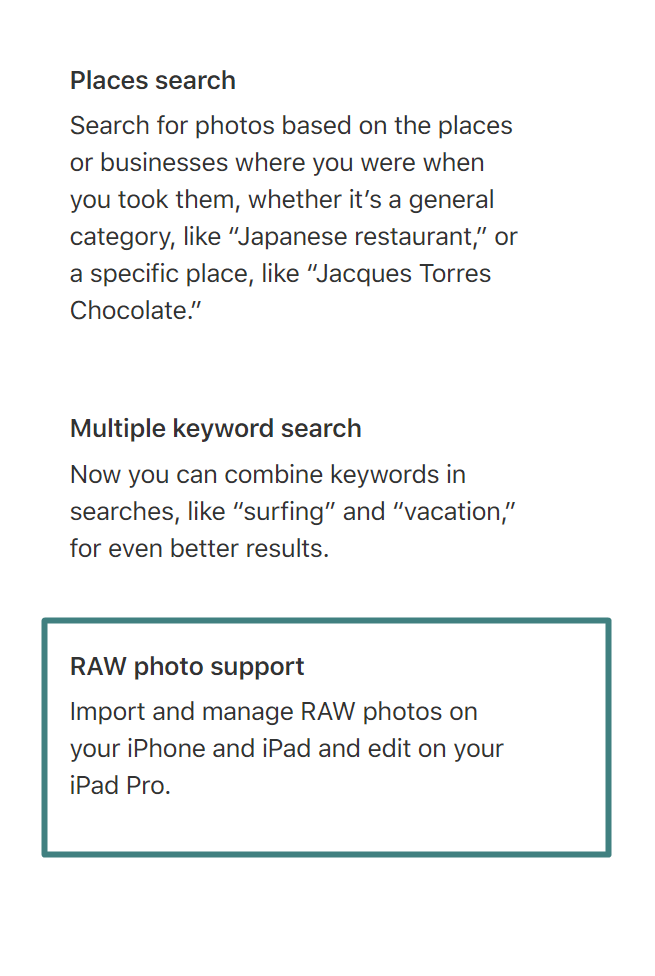
We, developers of Sync for DJI, are excited to announce that we are adding support for Siri suggestions and RAW photo support.

Sneak peek of these features from Apple:


The Siri scenario as simple as following:

After a flight you can just say "Hey Siri, download my new shots"(*1). And the magic begins – Sync for DJI establishes the connection with your DJI device (*2), finds out what is new since last time and starts to download freshly made media to storage or directly to Photos (depends on default settings). That's it.


For RAW support:

We already can download and share RAW photos from DJI devices. Just we expect you to have 3rd party RAW editor application installed to edit all these shots. With iOS 12, Sync for DJI will be able to save directly to Photos application.


For comments and feedback, you can find the same post on Facebook.


(*1) You can customize the text to be pronounced to Siri as you want.

(*2) Yes, iOS should be connected to DJI device with Remote Controller or WiFi.


bottom of page